A connection is only the beginning
Connecting to an EHR can make information available, but availability alone does not make it useful. A clinician needs to know which facts matter for this encounter, where they came from, and whether they are current.
A practical starting point is to map the workflow before choosing an integration path: what question is the team trying to answer, which source can answer it, and who will act on the result?
The value of an integration is measured at the moment a person can make a better informed decision.
Start with a narrow, authorized data flow
An integration should begin with the clinic's authorization and a defined set of data. Patient identity, access permissions, and the source system's supported interface shape what can be retrieved. A sandbox demonstration is useful for testing the flow, but production access requires a separate agreement and security review.
A small first use case, such as showing medications or recent encounters in a chart review, is easier to validate than an entire chart import.
- Confirm the patient match and permitted scope
- Record source, timestamp, and retrieval status
- Show missing or delayed data as missing, rather than filling the gap
Make source and time visible
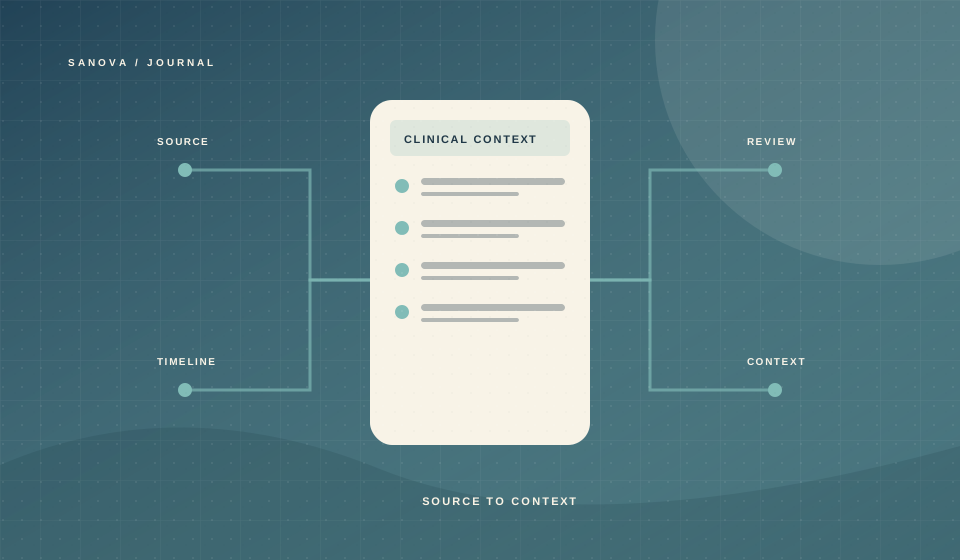
The same fact can appear in multiple places with different dates. A medication listed in an outside chart might be historical; a recent prescription might not confirm that the patient is taking it. Interfaces should distinguish reported, ordered, dispensed, and reconciled information.
Displaying provenance alongside a concise summary lets staff inspect the original record when context is uncertain. It also gives the team a way to spot stale information before using it.
Build a reviewable handoff
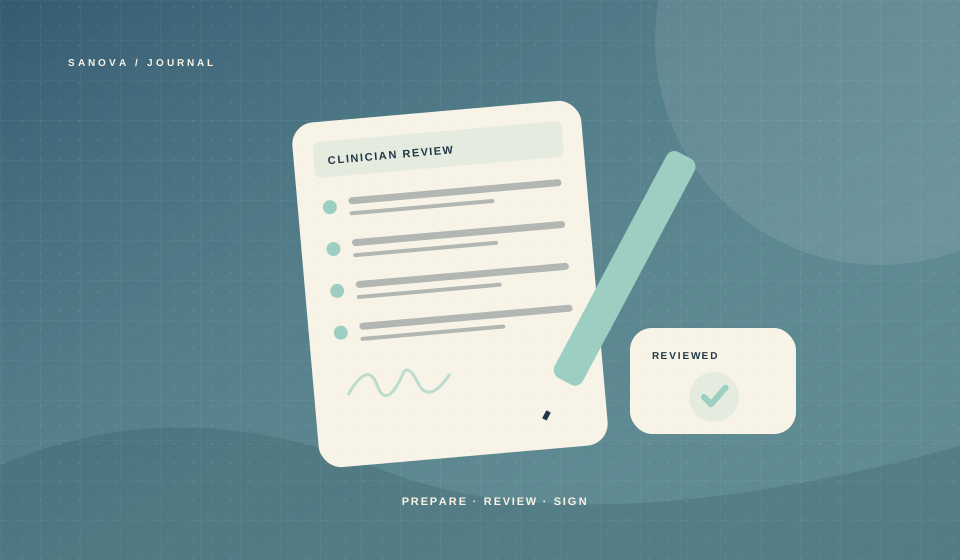
A useful summary can highlight recent events, medications, allergies, and open questions. It should not silently overwrite the clinic's record. The clinician or authorized staff member needs a clear way to accept, correct, or set aside a proposed update.
When an external service is unavailable, the workflow should say what failed and when it was last refreshed. This keeps a temporary outage from looking like a clean bill of health.
What to measure after launch
Track whether the integrated view saves chart review time, reduces repeated requests for information, and helps resolve discrepancies. Measure the rate of uncertain patient matches and stale data too. Those signals reveal whether the connection is helping the team or merely moving more data into view.